
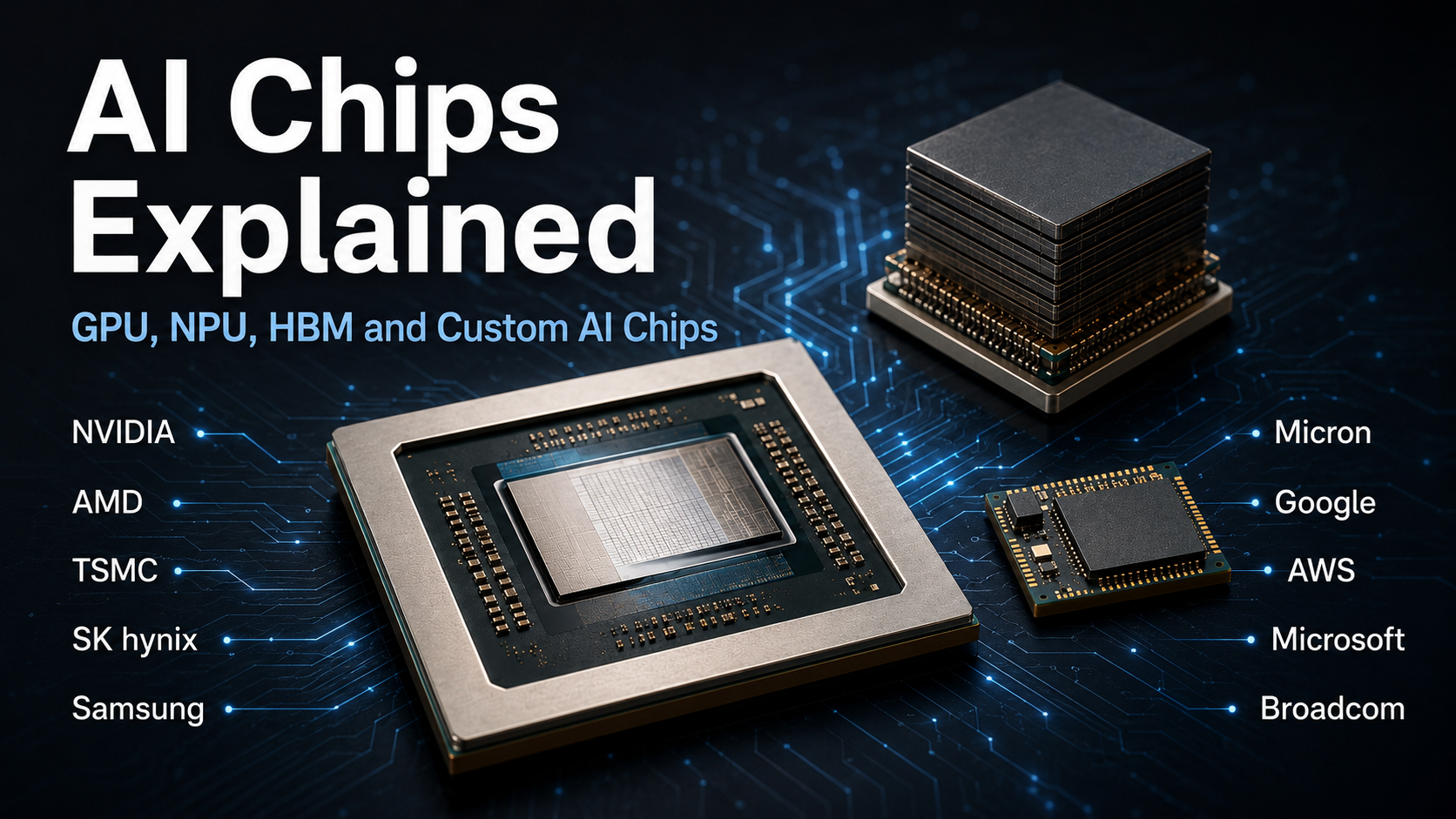
Do you talk about AI stocks without knowing what a GPU actually does?
People talk about NVIDIA stock. They follow the HBM competition involving Samsung Electronics and SK hynix. They compare ChatGPT with Google Gemini and debate which AI is better.
But let’s change the question.
What exactly does a GPU do?
What does HBM do next to an AI processor? How is the NPU inside a smartphone or AI PC different from a GPU? And why are Google, Amazon and Microsoft developing their own AI chips?
AI has become familiar to almost everyone. But the semiconductors that actually make AI work remain surprisingly unfamiliar.
AI does not run on software alone. Something has to perform enormous amounts of computation. Something has to keep supplying data fast enough for those processors to continue working. Smartphones need to run AI without draining their batteries, while large AI models require enormous amounts of computing power.
That is why there is no single chip called “the AI chip.” Different chips perform different jobs.
In this article, we are not starting with stock prices or company valuations. We are going inside the chips themselves: what a GPU calculates, why an NPU is needed, why even a powerful GPU can be forced to wait if memory is too slow, and why major technology platforms are designing their own AI accelerators.
AI Chips Are Not All the Same
When people hear “AI semiconductor,” NVIDIA GPUs often come to mind first. But an AI system uses different types of chips for different jobs.
GPU — performs enormous amounts of AI computation in parallel.
NPU — performs neural-network operations efficiently with lower power consumption.
HBM — supplies huge amounts of data to high-performance AI processors at very high speed.
Custom AI chip — optimizes computing hardware for particular AI workloads.
There is one important distinction. GPUs, NPUs and custom AI accelerators perform computation. HBM does not. HBM is memory.
GPU — Thousands of Calculations Happening at Once
GPU stands for Graphics Processing Unit. GPUs were originally developed to process computer graphics efficiently. A game screen contains enormous numbers of pixels and graphical operations that need to be calculated at the same time.
That architecture turned out to be extremely useful for AI. Modern AI models repeatedly perform enormous numbers of matrix and vector operations.
Imagine that one million similar calculations need to be completed. One person with a calculator could work through them one after another, or thousands of workers could divide the calculations and work on them simultaneously.
The second approach is much closer to what makes a GPU powerful. A GPU contains large numbers of computing units designed to perform many operations in parallel.
AI training, language-model inference, image generation and video generation all benefit from this type of massive parallel computation. That is how a processor originally associated with graphics became one of the most important computing engines of the AI era.
A Current Example: NVIDIA Rubin
NVIDIA’s Rubin generation shows where high-end AI GPUs are heading. Rubin includes up to 288GB of HBM4 and up to 22TB/s of memory bandwidth. The lesson is more important than the numbers: as GPUs become faster, the memory feeding them must become faster too.
But Does a Faster GPU Automatically Mean Faster AI?
No. A GPU can calculate extremely quickly, but it cannot calculate data that has not arrived yet.
Imagine 100 of the world’s best chefs standing in a kitchen. They are incredibly fast. But what happens if one person slowly carries ingredients into the kitchen? The chefs wait.
Something similar can happen in AI computing. As GPUs became dramatically faster, moving enough data to those processors became increasingly important. This brings us to HBM.
HBM — Keeping the GPU Supplied With Data
HBM stands for High Bandwidth Memory. Its job is straightforward: HBM supplies enormous amounts of data to GPUs and other AI accelerators at extremely high speed.
If the GPU is the chef, HBM is both the ingredient storage area and the high-speed supply system bringing ingredients to the kitchen.
HBM achieves high bandwidth partly by stacking multiple DRAM dies vertically and creating very wide data paths. Think of conventional memory as traffic moving quickly along a relatively narrow road. HBM takes a different approach: build a much wider highway so far more data can travel at the same time.
This is why names such as HBM3E, HBM4 and HBM4E keep appearing in AI semiconductor news. As AI processors become more powerful, memory has to keep up.
A Current Example: HBM4E
HBM4 is part of the latest high-performance AI generation, while memory makers are already pushing toward HBM4E. In 2026, both SK hynix HBM4E and Samsung HBM4E samples reaching up to 16Gbps per pin. The reason for the evolution is simple: faster AI processors need faster access to data.
Then Why Do We Need an NPU?
If GPUs are so good at AI computation, why create another processor? The answer is power efficiency.
Think about a smartphone. AI can identify people and objects in photos, recognize speech, improve camera images, translate language and perform other intelligent functions. Laptops increasingly use AI for cameras, audio, video calls and local features.
Using a large, power-hungry processor for every small AI operation would be inefficient. A smartphone has an even stricter limitation: it needs to perform these tasks while running on a small battery.
That creates a need for processors optimized specifically for neural-network workloads. That is where the NPU — Neural Processing Unit — comes in.
NPU — A Specialist for AI Inside Your Device
An NPU is designed to process neural-network operations efficiently. If a powerful GPU is like a huge factory capable of handling massive computing jobs, an NPU is more like a specialized production line designed to perform particular AI tasks efficiently and repeatedly.
This distinction matters especially in smartphones and laptops. Some AI tasks can be processed directly on the device instead of sending everything to a remote server. This is commonly called on-device AI.
Running appropriate AI workloads locally can reduce latency, allow some functions to work without a constant cloud connection and reduce the need to send every task to remote computing infrastructure.
This is why comparing a GPU and an NPU only by asking which one is “faster” misses the point. They are designed for different jobs.
A Current Example: Snapdragon X2 Elite
Qualcomm’s Snapdragon X2 Elite family includes a Hexagon NPU delivering up to 85 TOPS for on-device AI. The number matters less than the reason the NPU is there: AI performance in a personal device must be balanced against power consumption and battery life.
So Why Doesn’t Google Just Buy More GPUs?
If GPUs already exist, why are companies such as Google, Amazon and Microsoft developing their own AI chips?
Google has TPU. Amazon Web Services has Trainium. Microsoft has Maia.
These companies are not simply trying to build another general-purpose GPU. They have a different motivation.
Custom AI Chips — A Chip Does Not Have to Be Good at Everything
One of the great strengths of GPUs is flexibility. They can support many different models and computing workloads.
But imagine a company performing enormous volumes of similar AI workloads every day. At that scale, a chip optimized for the company’s own workloads can become extremely valuable.
Instead of designing hardware to be good at everything, a company can optimize hardware around the AI operations it repeatedly performs.
Google develops TPUs around its AI and cloud workloads. AWS develops Trainium for AI training and inference on its cloud platform. Microsoft develops Maia for large-scale AI processing within its own infrastructure.
This changes the question we should ask. Instead of “Is this chip better than an NVIDIA GPU?”, ask “What workload was this chip designed to perform more efficiently?”
Current Custom AI Chips
Google’s eighth-generation TPU splits specialization between TPU 8t for large-scale training and TPU 8i for post-training and inference. AWS Trainium3 combines 144GB of HBM3E with 4.9TB/s of memory bandwidth. Microsoft’s Maia family follows the same broader trend: platforms want tighter control over the hardware running their most important AI workloads.
GPU, NPU, HBM and Custom AI Chips at a Glance
| Type | What It Does | Examples |
|---|---|---|
| GPU | Performs massive amounts of AI computation in parallel | NVIDIA Rubin, AMD Instinct |
| NPU | Processes AI workloads efficiently with lower power consumption | Qualcomm Hexagon, Intel NPU |
| HBM | Supplies high-performance AI processors with data at very high speed | HBM4, HBM4E |
| Custom AI Chip | Optimizes hardware for particular AI workloads | Google TPU, AWS Trainium, Microsoft Maia |
AI Semiconductor News Looks Different Once You Know the Jobs
We began with a question: Do you talk about AI stocks without knowing what a GPU actually does?
Now, when NVIDIA announces a new GPU, you do not have to stop at “the new GPU is faster.” You can ask what changed in computing performance, memory capacity and memory bandwidth.
When Samsung Electronics or SK hynix announces new HBM technology, you can understand why that news is connected to increasingly powerful AI accelerators.
When an AI PC advertises an NPU, you know why it should not automatically be compared with a high-end AI GPU using the same criteria.
And when Google, Amazon or Microsoft announces another internally designed AI accelerator, you do not have to conclude simply that “another NVIDIA competitor has appeared.”
Instead, ask: What does this chip calculate? What workload was it built for? How does it get the data it needs? Why did this company decide to design it?
Those questions make AI semiconductor news much easier to understand.
Conclusion: Remember the Job Before the Product Name
You do not need to memorize every AI semiconductor product or technical term. Product names will change. New generations will keep arriving.
The basic jobs are easier to remember.
GPU performs massive AI computation.
NPU performs AI operations efficiently with lower power consumption.
HBM supplies AI processors with data at extremely high speed.
Custom AI chips optimize computing for particular AI workloads.
We already use AI every day. We discuss AI companies and their stocks. We compare AI services and argue about which models are better. We talk about how artificial intelligence could change business, work and everyday life.
It is worth understanding what is happening underneath all of that software.
AI does not end at the ChatGPT or Gemini interface on a screen. Behind that interface, semiconductors are calculating, moving data and consuming power at extraordinary speed.
That is where another side of the AI revolution begins.